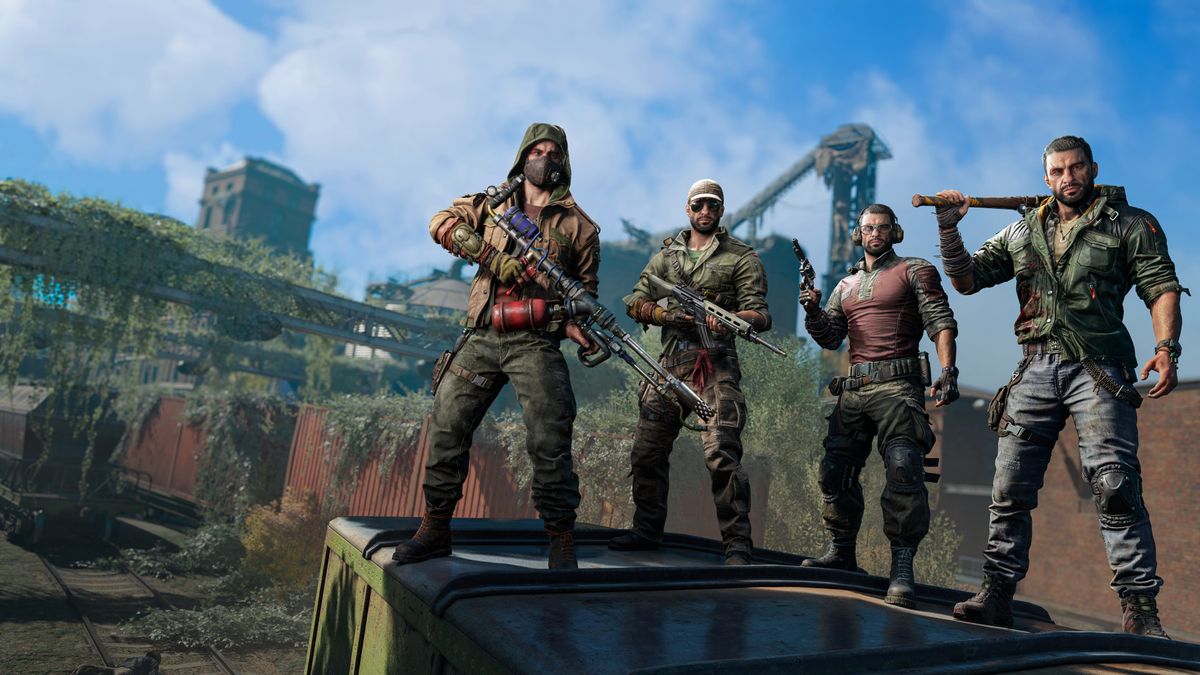
Dying Light 2 Low FPS or FPS Drops on PC and Boost Performance: Playing Dying Light 2 and noticing your frame rate is lower than expected, or that it drops unpredictably during gameplay? You’re not alone. This guide covers everything from the most common causes of low FPS and FPS drops in Dying Light 2, to detailed fixes and optimization steps — followed by a comprehensive FAQ section.
Why are you experiencing low FPS or FPS drops?
Before diving into how to fix things, it’s useful to understand why FPS issues occur. When you know the root cause, you’ll be better equipped to apply the right fix. For Dying Light 2, several common factors contribute:
-
Out-of-date or inappropriate drivers
The developer’s official support page lists updating your GPU driver as the first step in fixing poor performance. Dying Light 2+1 -
Poor in-game graphic settings / heavy features
Some settings have a huge impact on performance — for example, reflections, fog quality, ray tracing, etc. The more demanding the setting, the higher chance of FPS drops. PC Gamer+2Digital Trends+2 -
Render API / feature settings
Dying Light 2 supports DirectX 11 and DirectX 12; switching to DX12 + enabling asynchronous compute has been shown to boost performance. PC Gamer+1 -
Hardware bottlenecks / VRAM, CPU, storage speed
If your GPU, CPU, or storage (HDD vs SSD) is not up to task, the game may struggle. One article: running on HDD instead of SSD can cause hitching. Reddit+1 -
Background processes / system configuration / power settings
Even with good hardware, background apps, power-saving modes, or overlays can hinder performance. The Windows Club+1 -
Software / game issues
Memory leaks, sub-optimal optimization, buggy patches or conflicts may also cause severe FPS drops. Some community posts report this. Reddit+1
Understanding these means we can approach the fix list in structured stages: from simple to more advanced.
Step-by-Step Fixes to Improve FPS & Prevent Drops
1. Update drivers and system software
-
Go to your GPU manufacturer’s website (NVIDIA, AMD, Intel) and install the latest drivers (preferably a “clean install”). SilverPC Blog+1
-
Ensure your OS (Windows) is fully updated: all patches, game-mode improvements, etc. The Windows Club+1
-
If you have a laptop with hybrid GPU (integrated + dedicated), make sure the game uses the dedicated GPU. The official support article mentions this. Dying Light 2
2. Configure power settings & performance modes
-
Use a high performance or maximum performance power plan (especially on laptops). The support page gives this as a step. Dying Light 2
-
In GPU control panel (for NVIDIA: Manage 3D settings → Power management mode → “Prefer maximum performance”).
-
If on laptop, make sure it’s plugged in and not in battery saving mode (which throttles GPU/CPU).
3. Adjust in-game graphics settings for performance
Here are recommended tweaks to boost FPS / reduce drops:
-
Render mode / API: Change to DirectX 12 (D3D12) if supported. According to PC Gamer: “the D3D12 Render Mode offers a sizable boost … as much as 10% over D3D11.” PC Gamer+1
-
Enable asynchronous compute (when using DX12). PCGamer cites a ~8-10% improvement. PC Gamer+1
-
Reflections Quality: One of the biggest performance hits. Lowering it from Ultra reduces GPU load significantly. Global Esport News+1
-
Fog Quality & Sun Shadows: These also impact performance considerably. One tuning guide shows 8–10% FPS gains by reducing fog quality. Global Esport News
-
Ray Tracing: If enabled, it greatly reduces FPS unless you have high-end hardware. Best to disable or set to low unless you’re sure. Digital Trends+1
-
Upscaling Technologies (DLSS / FSR): Use DLSS (for NVIDIA) or FSR (for AMD) to render at lower effective resolution and upscale — big benefit for FPS. GhostArrow+1
-
Motion Blur / Post Processing: Disabling motion blur can improve FPS and reduce input latency. Digital Trends
-
Other settings: Lower texture quality (if VRAM is limited), reduce crowd/detail/physics if available. One blog suggests lowering CPU-intensive settings like shadows/physics. SilverPC Blog
4. Manage storage / game installation
-
If you have both SSD and HDD, install the game on SSD — open-world games like Dying Light 2 benefit from fast asset streaming. Reddit posts also highlight this. Reddit+1
-
Ensure you have enough free disk space (not overly full drive).
-
If on HDD, consider upgrading to SSD for better performance and fewer FPS dips/hitches.
5. Close background applications / disable overlays
-
Use Task Manager (Ctrl + Shift + Esc) to check for CPU/RAM hogs. Close apps not needed while gaming. As TheWindowsClub notes: too many background apps = FPS drops. The Windows Club
-
Disable overlays such as Steam Overlay, GeForce Experience overlay, Discord overlay etc. Games-manuals article mentions disabling Steam overlay boosts FPS. Games Manuals
-
Disable unnecessary startup/background services, VPNs, heavy apps that might interfere.
6. Advanced tweaks and troubleshooting
-
If you still face issues: set the game executable process priority to “High” via Task Manager → Details tab → right-click → Set priority → High. Games-manuals calls this a possible FPS improvement. Games Manuals
-
In GPU driver settings (NVIDIA/AMD), force the game to use the dedicated GPU and disable integrated one if applicable.
-
In compatibility settings of the game’s .exe, disable “Full-screen optimizations” and override high DPI scaling behaviour (some users report improved stability). GhostArrow
-
If using DLSS/FSR/frame generation and you notice stutters or weird behaviour, try toggling them — sometimes the newer modes cause issues for certain hardware.
-
For VRAM-limited GPUs (e.g., <4 GB VRAM), reduce texture/shadow quality etc to avoid shader/texture thrashing.
-
Monitor GPU/CPU usage during gameplay: if your GPU usage is low (say <50%) while FPS is low, it may indicate a bottleneck elsewhere (CPU bound, driver bug) or a bug.
7. Re-install or Reset to Default
-
If after all the above you still see persistent FPS drops/dips, consider verifying game files via Steam/Epic.
-
Uninstall any mods or third-party enhancements that might conflict.
-
As a last resort: uninstall the game completely, install fresh (ideally on SSD), and try default settings before applying tweaks.
Hollow Knight Low FPS or FPS Drops on PC and Boost Performance: How to FIX
Ghost of Yotei Low FPS Drops on PC and Boost Performance: How to FIX
Silent Hill f Low FPS Drops on PC and Boost Performance: How to FIX
A Performance Checklist
Here’s a quick checklist you can run through each time you face FPS drops:
-
GPU drivers updated
-
Windows OS updated
-
Game installed on SSD (if possible)
-
Dedicated GPU selected (if laptop/hybrid)
-
Power plan set to High Performance
-
In-game Render mode set to DX12, Asynchronous Compute ON
-
Reflection Quality, Fog Quality, Shadow Quality set to Medium/Low
-
Ray Tracing disabled (unless high-end GPU)
-
DLSS/FSR enabled (Quality mode) if available
-
Motion Blur disabled or set to Low
-
Close background apps, disable overlays
-
Verify game files / remove conflicting mods
-
If still issues → check hardware utilisation / run advanced tweaks
Frequently Asked Questions (FAQs)
Q1: My hardware is above the recommended specs for Dying Light 2, yet I still get FPS drops — why?
A: Even if you meet or exceed the listed specs, you might still face performance issues due to non-hardware causes: outdated drivers, storage on slow HDD, power settings limiting GPU, overlays/background apps interfering, or certain demanding settings (ray tracing, ultra reflections) being enabled. As one user said:
“I have the same problem… best spec on PC… still feels like 60 hz when turning around.” Reddit
So it’s not just raw specs — settings and system configuration matter.
Q2: Should I use DirectX 11 or DirectX 12?
A: If your hardware and drivers support it, using DirectX 12 (D3D12) is recommended. According to PC Gamer: “going from DX11 to DX12 accounted for an 11% frame rate increase on its own.” PC Gamer
Just ensure your GPU and system support DX12 properly and test for stability.
Q3: Is Ray Tracing worth enabling in Dying Light 2?
A: Only if you have a high-end GPU (RTX 3070/3080 or equivalent) and are playing at 1440p or above with DLSS/FSR enabled. Otherwise, ray tracing has a large performance cost. Digital Trends states: “Ray tracing is always demanding … Without upscaling, ray tracing is almost exclusively reserved for RTX 30-series.” Digital Trends
For most players wanting stable FPS, disable it or set to low.
Q4: My FPS drops gradually during long sessions — what’s happening?
A: Some users report performance degradation over time (memory leaks, VRAM fill-ups, or CPU/GPU throttling due to heat). For example:
“I suffer from a performance degradation problem after playing Dying Light 2 for about 45 minutes … regardless of what I set the settings to.” Reddit
If this happens to you, monitor temperatures, ensure cooling is adequate, restart the game periodically, or try a lower texture/shadow profile to reduce memory load.
Q5: Does installing the game on an SSD really make a difference?
Yes — particularly for open-world games like Dying Light 2 which stream assets as you move around. Many players observed better performance when installing on SSD rather than HDD. Reddit
If you’re still on HDD, upgrading to SSD can provide noticeably smoother performance and fewer stutters/spikes.
Q6: I enabled DLSS/FSR but still see stutters / FPS drops — what should I do?
A: While DLSS/FSR usually improve FPS, sometimes they can introduce issues depending on your GPU or driver version. Try switching modes (Quality → Balanced → Performance) or turn it off to see if stability improves. Also check other settings like sharpness — some reddit users found reducing sharpness helped. Reddit
Q7: My GPU usage is low (e.g., ~40-50%) yet FPS is dropping — what’s wrong?
A: Low GPU usage while FPS is low suggests the bottleneck might be the CPU, or another system component (e.g., storage), or some driver/software issue. For example:
“My GPU usage drops from 99 to 50 or lower… nothing works.” Reddit
In such a case:
-
Check CPU usage / thermal throttling.
-
Check storage read/write performance.
-
Try switching render mode/API.
-
Ensure nothing else is limiting performance (e.g., VRAM swap, pagefile issue).
Q8: On a laptop — does anything specific apply?
Yes. Laptops often have hybrid GPUs (integrated + discrete), power saving modes, or worse cooling than desktops. The support page gives steps specifically for laptops: use max power mode, disable power saving, ensure dedicated GPU is used. Dying Light 2
Also confirm your laptop is plugged in (not on battery), cooling is good, and no power throttling.
Q9: Will capping my FPS (e.g., to 60) help prevent drops?
Capping FPS can help reduce GPU/CPU load in some cases and deliver more stable experience. If you notice high variance (e.g., spikes from 120 → 40), trying a cap to your display’s refresh rate can smooth it out. But this is more of a band-aid than a direct fix. A better approach is to optimize settings to reduce load.
Q10: Are there any quick “free” performance gains I should always apply?
Yes — these small tweaks often yield good performance uplift:
-
Switch to DX12 + enable asynchronous compute (if supported).
-
Lower reflection quality & fog quality (big impact for relatively low visual loss). Global Esport News+1
-
Turn off motion blur / post-processing effects.
-
Use DLSS/FSR if available.
-
Close background processes and disable overlays.
-
Install game on SSD (if available).
Final Thoughts
Improving FPS and preventing drops in Dying Light 2 is a matter of balancing hardware capability, in-game settings, system configuration, and background environment.
Many players get better performance by applying the combination of: using DX12, reducing demanding settings (reflections, fog, shadows), enabling upscaling, updating drivers, and ensuring their PC isn’t being held back by other software or hardware bottlenecks.
Start with the simpler fixes first (drivers, power settings, in-game presets) and then move into more fine-tuned adjustments (API changes, texture/shadow reductions, process priority). Keep an eye on your system’s temperature/usage too — sometimes FPS drops are due to thermal throttling or background tasks.
If after all this you still experience erratic drops or performance issues, it may be due to a specific bug, driver conflict, or game patch issue — in which case keeping an eye on official updates and forums (for example the developer’s support page) is advised. Dying Light 2+1