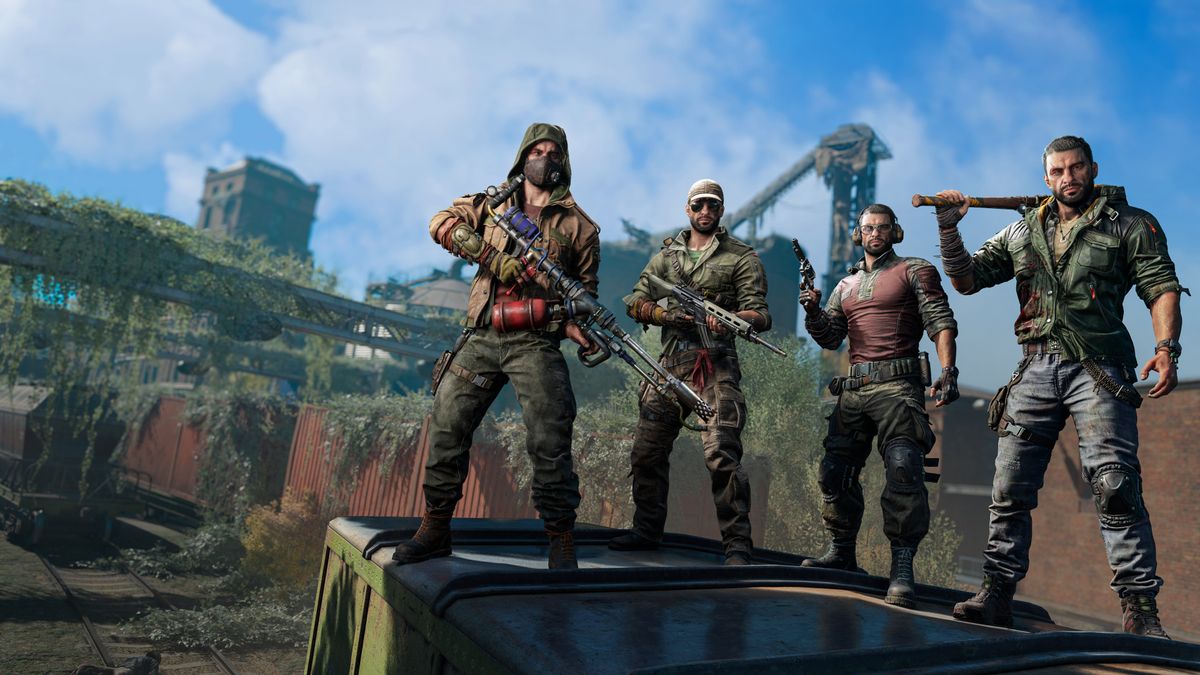
Dying Light 2 Black Screen Issue On PS4, PS5, Xbox, and PC: Experiencing a black screen—either at launch, during play, or after a cut-scene—can be incredibly frustrating. Whether you’re playing on console or PC, the following guide will walk you through the causes of the black screen issue in Dying Light 2, step-by-step solutions for each platform, and answer common FAQs.
Why Does the Black Screen Happen?
The black screen issue in Dying Light 2 can stem from a variety of factors, across consoles and PC. Understanding the root causes helps in choosing the correct fix:
-
Corrupted files or missing updates: On both PC and consoles, a faulty install or missing patch can lead to black screens. For example, many players saw black screens after the ending due to corrupted save or patch issues. GameSkinny+2Den of Geek+2
-
Driver problems / system software issues (PC): On PC, outdated GPU drivers, missing Visual C++ redistributables, or incompatible DirectX settings can contribute to a black screen. Get Droid Tips+2Dying Light 2+2
-
Overlay apps / USB devices / external hardware interference (PC): Some reports indicate that overlays (Steam, Discord), external USB peripherals, or headset software can cause a black screen at startup. Pro Game Guides+1
-
Console system cache or storage issues: On PS4/PS5 and Xbox, soft-locks or black screens are often due to corrupted cache or storage hiccups. The official support site for Dying Light 2 recommends clearing console cache. Dying Light 2
-
Bug in the game engine or a specific zone/cut-scene: Sometimes the game gets stuck in a specific spot—after ending, during a mission, etc.—leading to a black screen that’s not hardware-related. For example:
“The game’s ending black screen … the developer is working on a fix.” GamesRadar+
-
Mod conflicts (PC): If you use game mods, they may no longer be compatible post-patch and can cause the game to hang or show black screen. Reddit threads are full of such reports. Reddit+1
Platform-Specific Fixes
Below, find a structured approach you can follow depending on whether you’re on PC or console. If you’re on one of the consoles, skip the PC-specific steps and vice-versa.
PC (Steam/Epic/Windows)
-
Update GPU drivers & Windows
-
Make sure your graphics card driver (NVIDIA, AMD, Intel) is up to date. Get Droid Tips+1
-
Update Windows to the latest build.
-
Install the latest Visual C++ redistributables (2015-2022) especially if you’re using the Epic Games version. Dying Light 2
-
-
Verify the integrity of game files
-
On Steam: Library → Right-click Dying Light 2 → Properties → Local Files → “Verify integrity of game files…” GameSkinny+1
-
On Epic: Library → …Menu on the game → Verify.
-
-
Disable overlays & external interference
-
Turn off Steam Overlay, Discord Overlay, Nvidia GeForce Experience Overlay, Xbox Game Bar, etc. Get Droid Tips+1
-
Disconnect unnecessary USB devices (extra controllers, webcams, audio devices) and test running the game. Pro Game Guides
-
-
Disable fullscreen optimizations and run as admin
-
Navigate to the game’s .exe: Right-click → Properties → Compatibility tab → Check “Disable fullscreen optimizations” and “Run this program as administrator”. Get Droid Tips
-
-
Switch DirectX version (if necessary)
-
Some users found switching between DX12 and DX11 helped avoid black screens. Reddit+1
-
-
Re-install / clean start (if other steps fail)
-
As a last resort: uninstall the game, delete leftover config folder (e.g., Documents\dying light 2\out\settings) or rename it, then reinstall on a stable drive (preferably SSD). Reddit+1
-
PlayStation 4 / PlayStation 5
-
Check for game update
-
On PS4/PS5: highlight game → Options → Check for Update. A patch may fix black screen issues.
-
-
Clear system cache / rebuild database
-
On PS5: Turn off the console, unplug it for ~2 minutes, then restart.
-
Alternatively, boot into Safe Mode and select “Rebuild Database” (this scans for corrupted files).
-
For PS4: Clear cache by powering down, unplugging power for ~2 minutes, then reboot (similar to Xbox instructions from the official support site). Dying Light 2
-
-
Remove and reinstall the game
-
If after cache clear the problem remains: delete the game (ensure your saved data is backed up, either to cloud or USB), then reinstall. Several users on Reddit found this necessary. Reddit
-
-
Check for hardware or HD storage issues
-
Ensure your PS4/PS5 SSD/HDD isn’t near capacity or failing. Overfilled storage can affect game performance and cause start-up issues including black screens.
-
Xbox One / Xbox Series X|S
-
Clear persistent storage & system cache
-
Go to Settings → Devices & Connections → Blu-Ray → Clear persistent storage. Then power off the console, unplug for ~2 mins, plug back in. (This follows the official support article procedure.) Dying Light 2
-
-
Check for game update and system update
-
Make sure game is updated: My Games & Apps → Manage → Updates.
-
Also, install the latest system firmware for the console.
-
-
Uninstall and reinstall the game
-
If problems persist: uninstall the game (but keep your save data safe, either via cloud or external), then reinstall.
-
Some Xbox users reported the black screen persisted even after reinstall until cache was cleared. Reddit
-
Universal Quick Checklist
-
Game is updated to latest version.
-
System software is up to date (Windows/PS/Xbox).
-
GPU/weather drivers are latest (PC).
-
Overlays/third-party apps disabled.
-
External USB devices removed/tested.
-
Cache cleared / system rebooted (console) or settings cleaned (PC).
-
If on PC: verify game files, run as admin, disable fullscreen optimizations.
-
If still stuck: uninstall and reinstall game, preferably on SSD or fast storage.
-
Load a new save or test a different save if the black screen occurs at the same spot repeatedly.
Hollow Knight Black Screen Issue On PS4, PS5, Xbox, and PC: How to FIX
Borderlands 4 Black Screen Issue: How to FIX (PS4/PS5/Xbox/PC)
Silent Hill f Black Screen Issue: How to FIX (PS4/PS5/Xbox/PC)
5 Frequently Asked Questions (FAQs)
Q1: I’m stuck on a black screen after the game ending—what do I do?
This is a common scenario. Many players report a black screen during the final cut-scene or credits. For example:
“The Dying Light 2 black screen is causing quite a few problems … particularly after the game’s ending.” GamesRadar+
Fix :
-
Wait a few minutes (the game may still be processing).
-
If it doesn’t progress: restart the game and load your last checkpoint or a new save.
-
Verify game files / update game; delete corrupted save if needed.
Q2: On PC the game starts, I get a black screen, then the game crashes or returns to desktop—what’s causing it?
Often caused by driver conflicts, overlay software, corrupted config, or mod interference. Reddit users report such behavior:
“Help whenever I press play on Steam it will start to launch but then it goes to a black screen for 5 seconds and then it stops itself.” Reddit
Fix :
-
Update your drivers; rollback if the latest driver introduced issues.
-
Disable overlay apps, USB devices.
-
Rename or delete config settings folder to force a fresh start.
-
Try switching to DX11 if DX12 gives the black screen.
Q3: After a patch/update on my console (PS/Xbox), the game now just shows black screen at title—what can I do?
Console patches sometimes cause system cache issues. Many players report black screens after updates:
“After the update to Dying Light 2 PS5 … I just get a black screen after the title screen with no way of getting to the main menu.” Reddit
Fix :
-
Clear console cache/persistent storage (power off, unplug, wait).
-
Run system update and game update.
-
Uninstall & reinstall if needed (make sure save data is backed up).
-
If persistent, wait for official hotfix from developer.
Q4: I have mods installed (PC) and now I experience a black screen. Could mods be the reason?
Yes—mods can cause black screen issues especially after game updates when mod compatibility breaks. As one Reddit user noted:
“Remove all your mods if you have any … my old save just boots to a black screen now.” Reddit
Fix :
-
Remove or disable all mods.
-
Verify game files to restore base game.
-
Launch game without mods first; once stable, re-add mods one at a time.
Q5: Will switching display modes (fullscreen/windowed) or toggling other settings fix the black screen?
Potentially yes, especially on PC. Changing how the game handles display modes can clear up startup or launch black screens. Some tips:
-
Disable fullscreen optimizations (Properties → Compatibility) on the game’s .exe. Get Droid Tips
-
Alt+Tab out of the game after black screen appears; sometimes switching back resolves it. Get Droid Tips
-
Try changing Render mode (DX11 vs DX12) in the config file. One user:
“On the fourth time I switched to DirectX11 and it worked.” Reddit
Final Thoughts
Black screen issues in Dying Light 2 can be daunting, but with systematic troubleshooting you can often fix them yourself—whether you’re on PC, PS4/PS5, or Xbox. Start with the most likely causes (updates, drivers, cache clear), then work through the platform-specific steps. If you’re still stuck after trying all the above, sit tight—sometimes a patch from the developer Techland is needed to resolve a deeper engine bug. GamesRadar+